You know the feeling. It is 4:00 PM on a Friday. You are staring at your laptop screen in your home office. You spent the whole week putting out fires and managing your team. You did not send a single prospecting message.
Now your sales pipeline looks empty for next month.
This is the “feast or famine” cycle that kills small businesses. You need leads. But you do not have time to sit on LinkedIn all day.
This is where a LinkedIn lead generation virtual assistant changes the game.
It is not just about saving time. It is about building a consistent engine that runs while you sleep. Here is how to do it right.
The Safety First Approach: Don’t Get Banned With Automation Tools
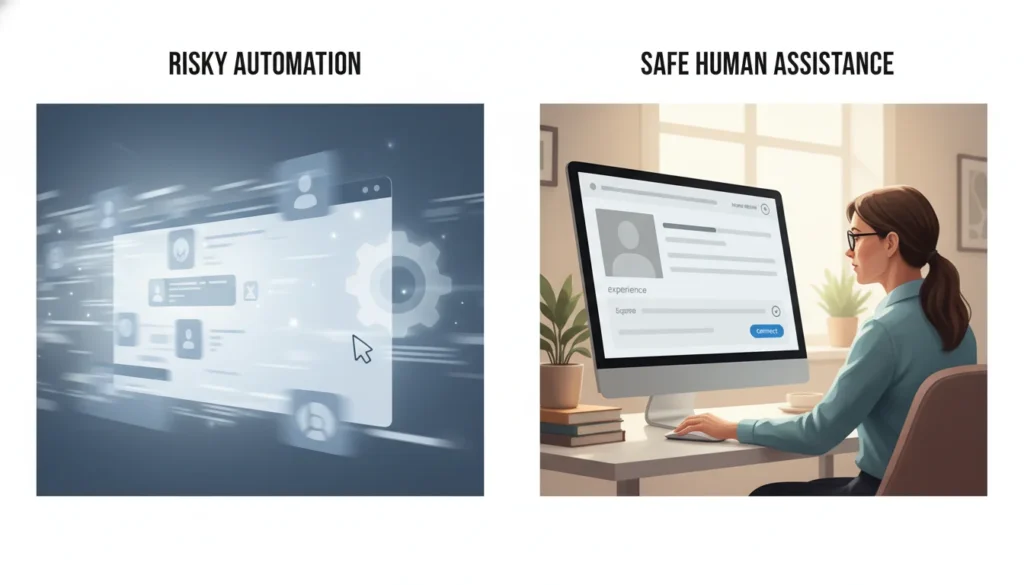
A few years ago, everyone used bots. You could download a tool and blast 100 messages a day.
That does not work anymore.
LinkedIn is owned by Microsoft. They are smart. They know when you are using a bot. If they catch you, they will throw you in “LinkedIn Jail.” This means they restrict your account. In some cases, they ban you for life.
A virtual assistant (VA) is a real human being. They log in like a normal person. They type messages manually. They look at profiles before connecting.
This keeps your account safe. It also protects your reputation. Nobody likes getting a spam message that gets their name wrong.
A human VA ensures your messages make sense. But you still need rules.
- Daily Limits: Tell your VA to stick to 20–40 connection requests per day on mature accounts, starting lower (10–20) for new ones.
- Location Security: If you are in Chicago but your VA logs in from halfway across the world, LinkedIn gets suspicious. Use a secure password manager like LastPass. You might also want a dedicated IP address so the login location looks consistent.
What Exactly Does a LinkedIn VA Do?
Many business owners think a VA just sends connection requests. They can do much more than that. Beyond just LinkedIn, the scope of work a virtual assistant can handle includes data entry, scheduling, and research.
Here is a breakdown of tasks you should hand off immediately.
1. Profile Optimization
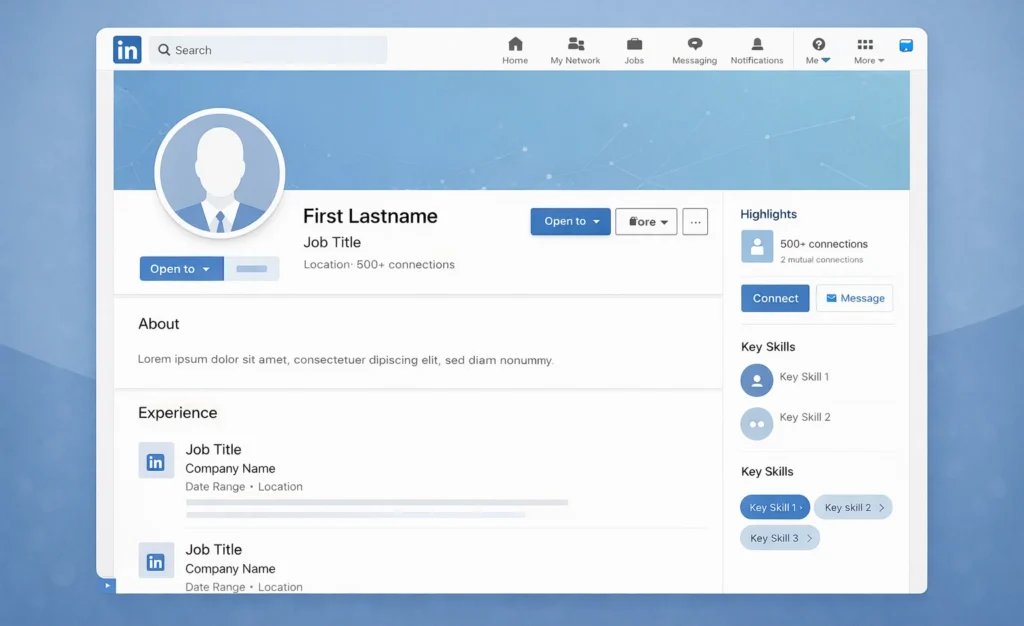
Your profile is your landing page. Before you send a single message, your profile needs to look sharp. A VA can:
- Update your banner image.
- Fix typos in your “About” section.
- Make sure your job history is up to date.
2. Building Targeted Lists
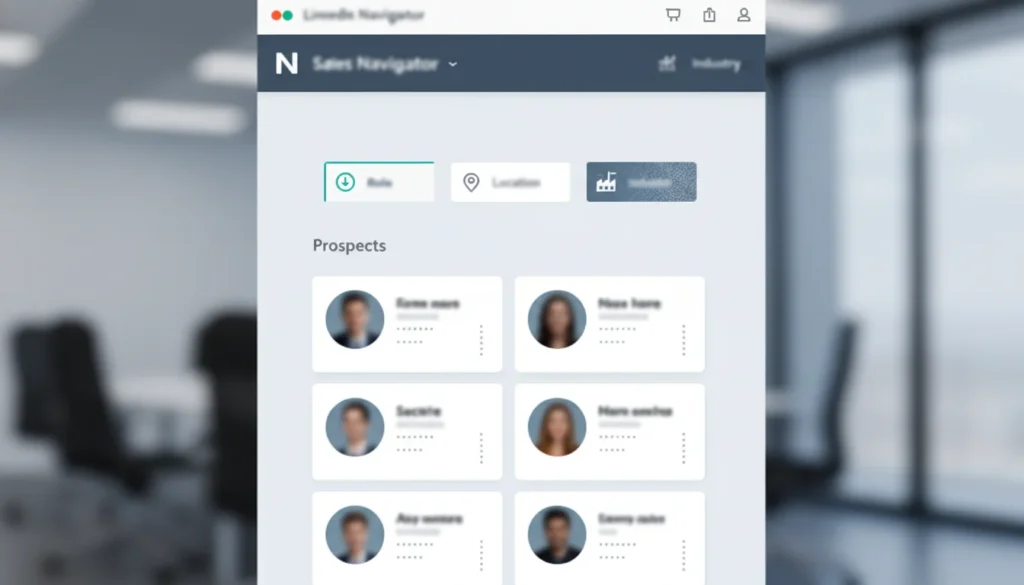
This is where the magic happens. If you have LinkedIn Sales Navigator, your VA can build lists of your perfect clients. They filter by location, job title, and company size.
Let’s say you sell software to dentists in Florida. Your VA can filter a search for “Owner,” “Dentistry,” and “Miami/Orlando.” They can pull a list of 500 prospects who fit that exact description.
Another example, “CEOs of tech startups in Austin, Texas,” or “HR Directors in New York City.”
3. The “Warm Up” Process
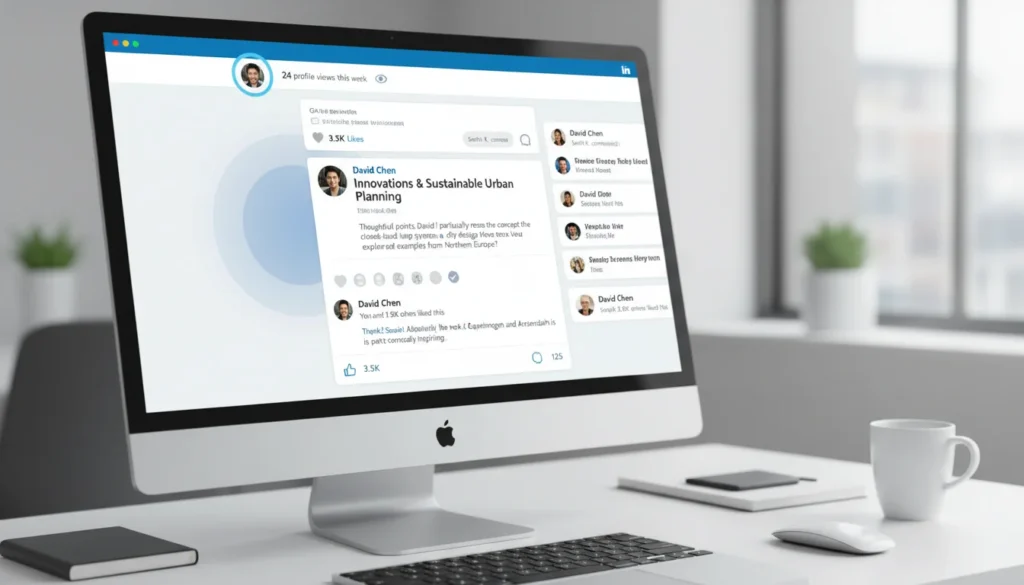
You should never pitch in the first message. That is rude.
A skilled VA knows how to warm up a lead.
- They can visit the prospect’s profile.
- They can “like” a recent post.
- They might leave a thoughtful comment.
When the connection request finally comes, the prospect already recognizes your face.
4. Inbox Management
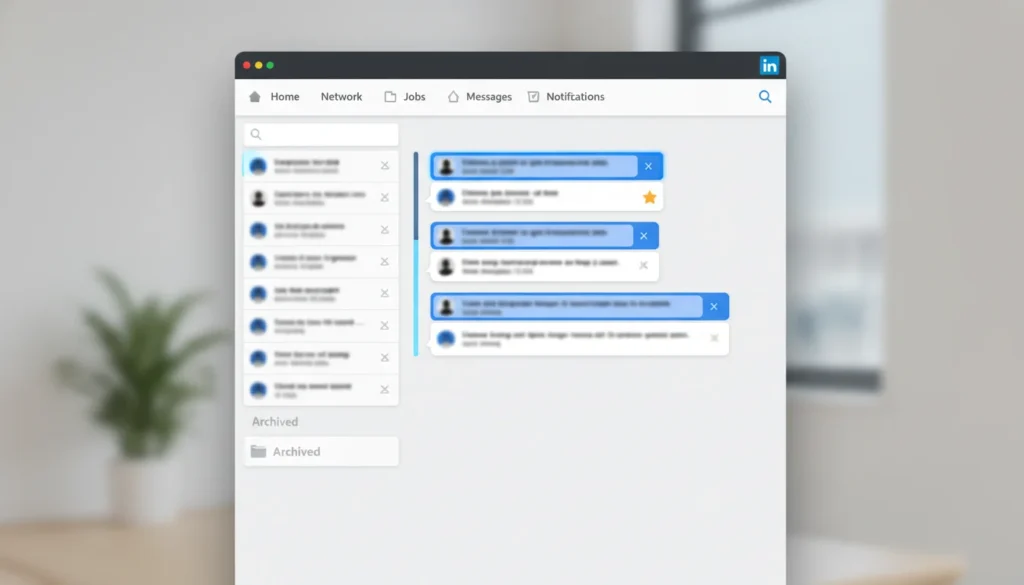
A VA managing your inbox is a biggest time saver. Your VA can sort through your messages. They can archive the spam. They can mark the “hot leads” that need your personal attention.
You only step in when a prospect says, “Sure, let’s book a call.”
5. Follow-Ups and Conversation Tracking
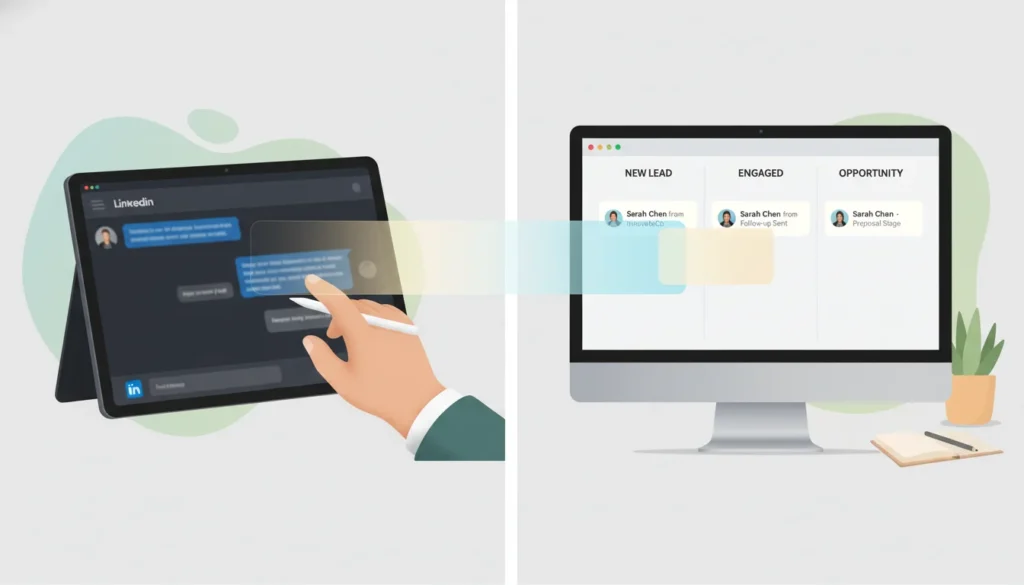
Most deals are lost because nobody follows up. A LinkedIn VA makes sure that does not happen.
They can:
- Send polite follow-up messages to non-responders
- Track who replied, who went silent, and who needs another touch
- Move interested prospects into your CRM or a simple tracking sheet
This keeps conversations alive without sounding pushy. By the time you step in, the prospect is already warmed up and engaged.
Cultural Nuance: Why English Skills Matter
Selling in the US requires a specific tone. It is not just about grammar. It is about culture.
US business communication is direct but friendly. We say things like “circle back” or “touch base.”
If your VA sends a message that sounds robotic or foreign, the prospect will ignore it.
At hireva.org, we vet candidates for this exact skill. Your VA needs to understand the difference between a formal letter and a quick LinkedIn chat. They represent your brand. They need to sound like you.
For a deeper dive, read our guide to cultural differences in remote teams to better understand how your VA approaches professional communication.
The ROI: US Hires vs. Virtual Assistants
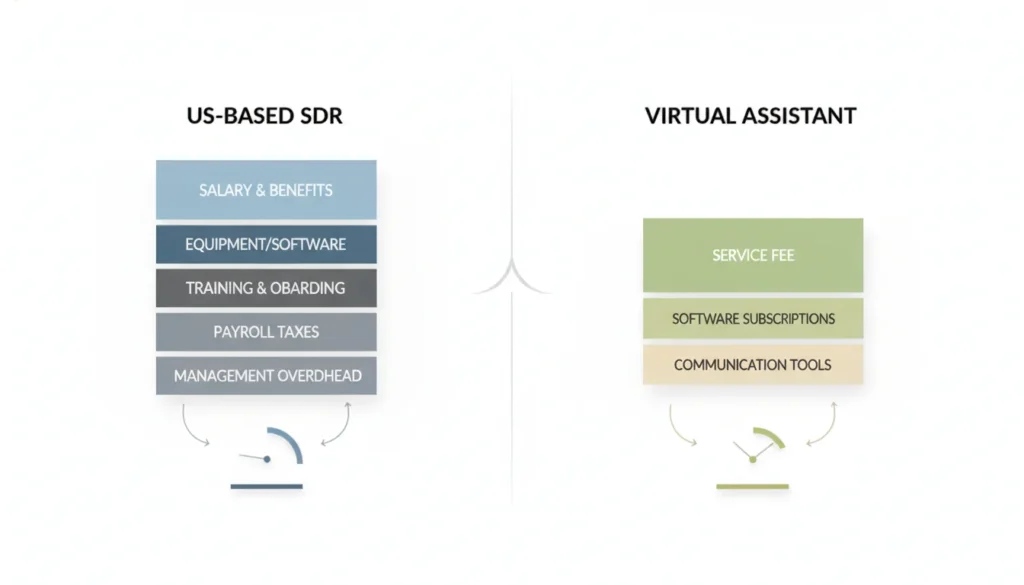
Hiring a full-time Sales Development Representative (SDR) in the US is expensive.
According to Glassdoor, the average base salary for an SDR in cities like Austin or New York is $65,000–$85,000 per year, plus benefits that can add 25–30% more.
We broke down the math on hiring offshore vs. local talent to show exactly how much runway you can save.
A LinkedIn lead generation virtual assistant usually works as a contractor. You might pay between $800 and $1,500 per month depending on their experience.
Here is what the total investment usually looks like:
- The VA Salary: This is your base cost.
- Sales Navigator: This essential LinkedIn premium tool, costs around $119.99/month (or $89.99/month billed annually).
- CRM Access: You might need to pay for an extra seat on your CRM software.
Even with these costs, you are likely saving 60% to 70% compared to a US-based junior sales rep.
3 Scripts to Give Your New VA
You cannot just hire a VA and say “go get leads.” You need to give them a playbook. This is called a Standard Operating Procedure (SOP).
If you want good results, give your VA these scripts.
Script 1: The Connection Request (No Pitch)
“Hi [Name], I see we are both in the Chicago tech space. I’ve been following your company’s growth on LinkedIn. Would love to connect. Thanks, [Your Name].”
Script 2: The “Thank You” Message
“Thanks for connecting, [Name]. I see you are posting a lot about remote work culture. I really enjoyed your last article. Looking forward to seeing more of your updates in my feed.”
Script 3: The “Soft” Ask (7 Days Later)
“Hey [Name], I’m working on a case study about how agencies are handling the new data privacy laws. I’d love to get your take on it if you have 5 minutes. No sales pitch, just research. Let me know?”
See the difference? These sound human. A VA can customize these for every single prospect.
How to Measure Success
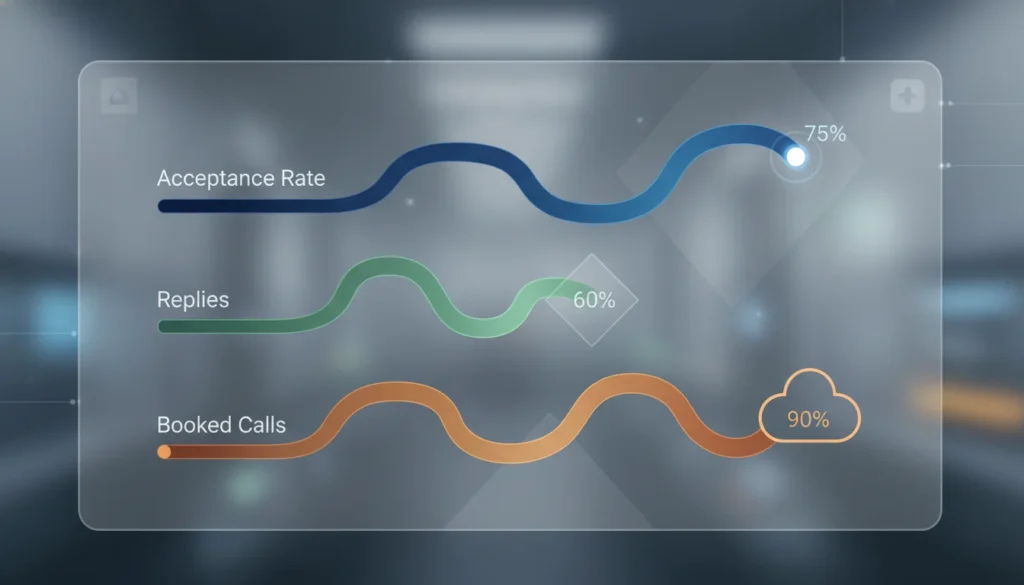
You need to track if this is working. Do not just look at “leads.” Look at the metrics that matter.
Ask your VA to send you a report every Friday. It should include:
Connection Acceptance Rate: If you send 100 requests, 20 to 30 people should accept. If it is lower, your profile or message needs work.
Reply Rate: Are people writing back?
Positive Sentiment: How many people are actually nice?
Appointments Set: This is the money metric. How many Zoom calls did they book for you?
How to Get Started
You don’t need to spend your weekends prospecting anymore.
You can have a professional handle the legwork. You just show up for the sales call.
A virtual assistant for LinkedIn lead generation gives you your time back. You can focus on closing deals and serving clients. Let your VA handle the grind.
Frequently Asked Questions
Yes, but use a password manager like LastPass or 1Password. This lets you share access without revealing your actual password. You can also revoke access anytime. LinkedIn also keeps a security log so you can see where logins are coming from.
Start small. 10 to 15 hours a week is usually enough for lead generation. This gives them time to send 20-30 connection requests daily and manage the inbox. You can always increase hours later.
It is highly recommended. The free version of LinkedIn limits how many people you can search for. Sales Navigator keeps your account safer and gives your VA better filters to find the right people.
Absolutely. Many business owners hire a VA to schedule posts. You can write the rough draft, and they can format it, add hashtags, and post it at the best time for US time zones.
Lead gen is a marathon, not a sprint. You usually see connections increase in the first 2 weeks. Booked meetings usually start happening consistently around the 4 to 6-week mark.
Yes, but it takes training. You should provide them with templates and scripts. Over time, a smart VA will learn your voice and style.
This usually happens if activity spikes too fast. If you hire through a reputable source, they will know how to "warm up" your account to avoid this.